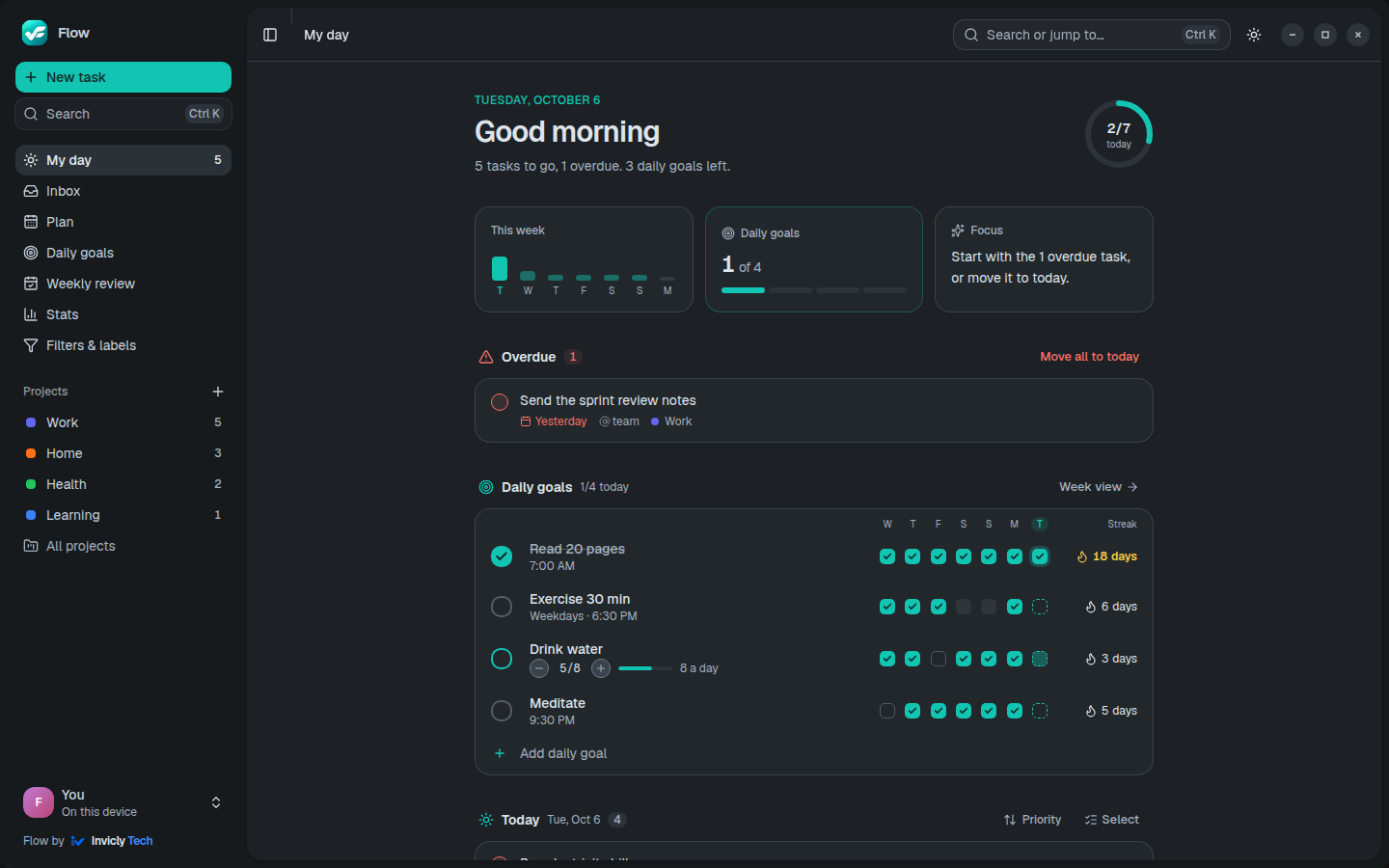
My day
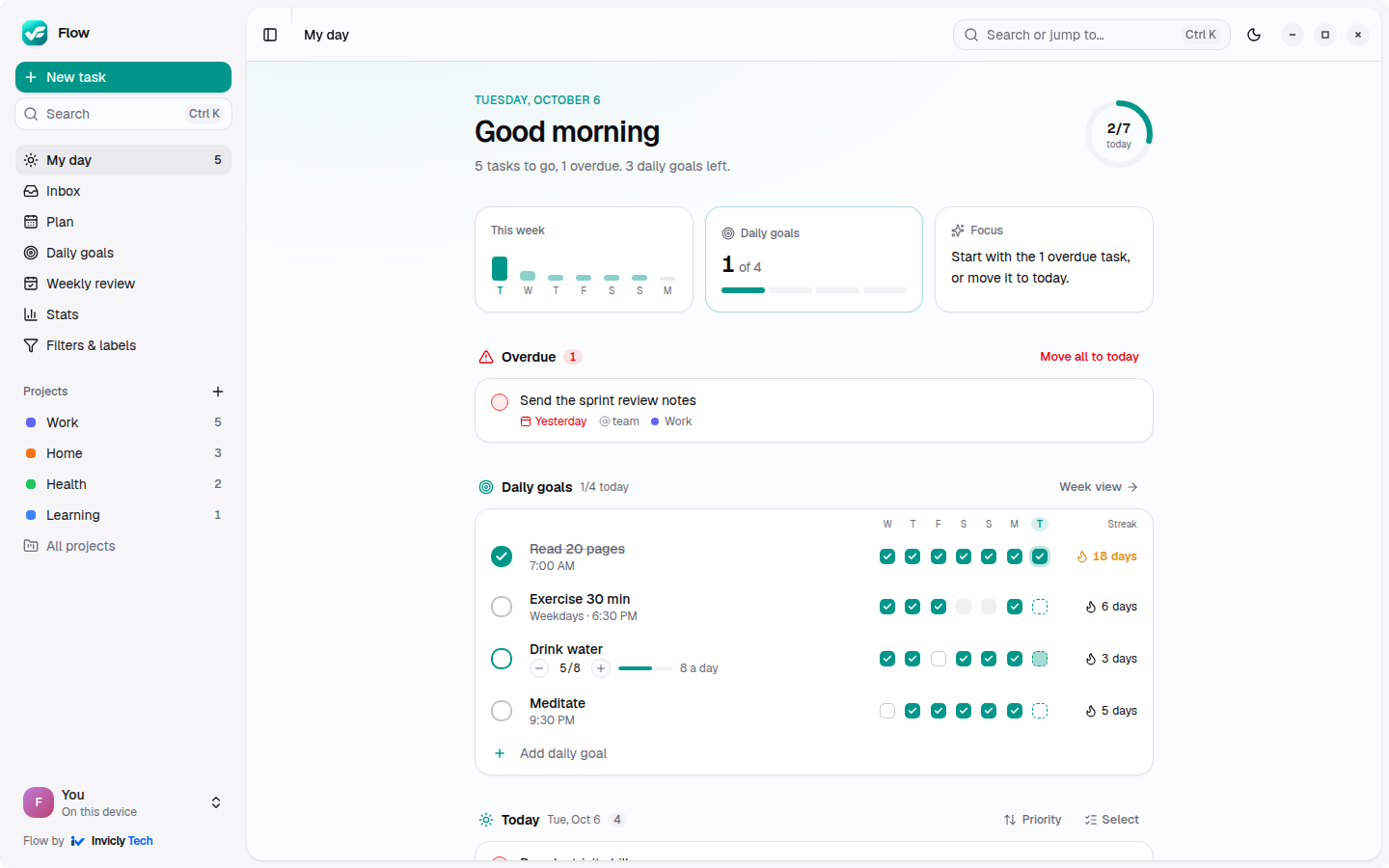
Overdue work on top, then your daily goals and today’s tasks, with a progress ring for the day.
Flow is a lightweight task and project manager for Web, Windows, Linux and Android. Add tasks right where they belong, see your day at a glance, and keep your team moving, without the bloat.
Free while in preview · No credit card · Your data stays yours
Capture
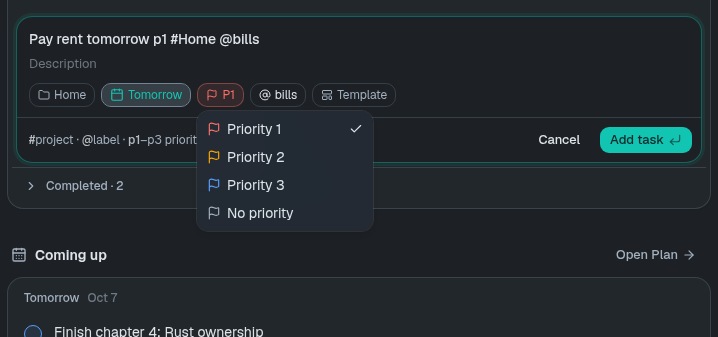
Press Q anywhere and the composer opens right in the list where the task belongs. Type the way you think: Flow picks out the date, priority, project and labels while you type, and shows them as chips. Prefer tapping? Every chip is a picker.
New: Calendar
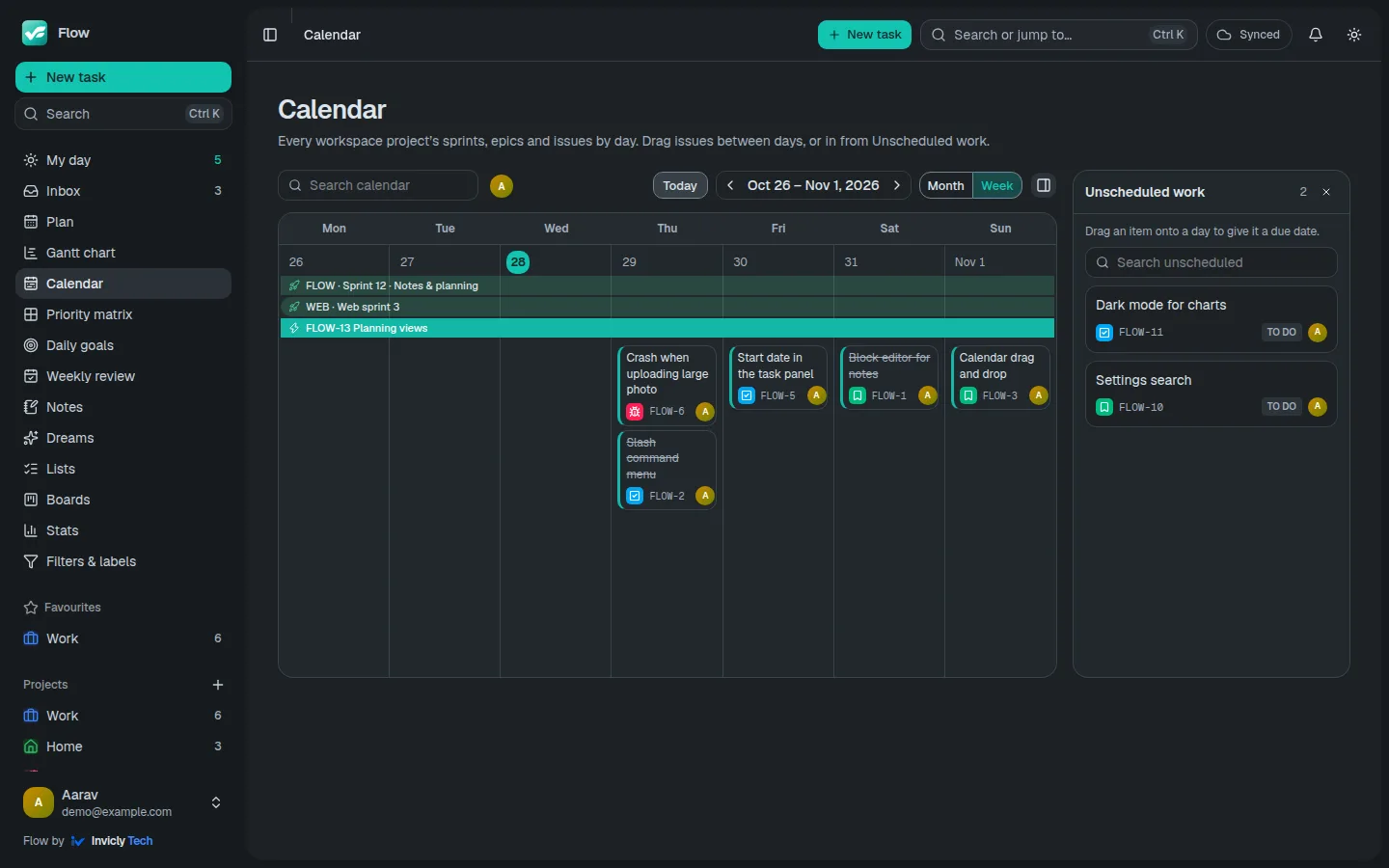
See the month or the week at a glance: sprints and epics as banners across the days they cover, each issue on its due date. Drag an issue to another day, or drag one in from Unscheduled work to give it a date. Each workspace project has its own calendar, and the menu shows them all together.
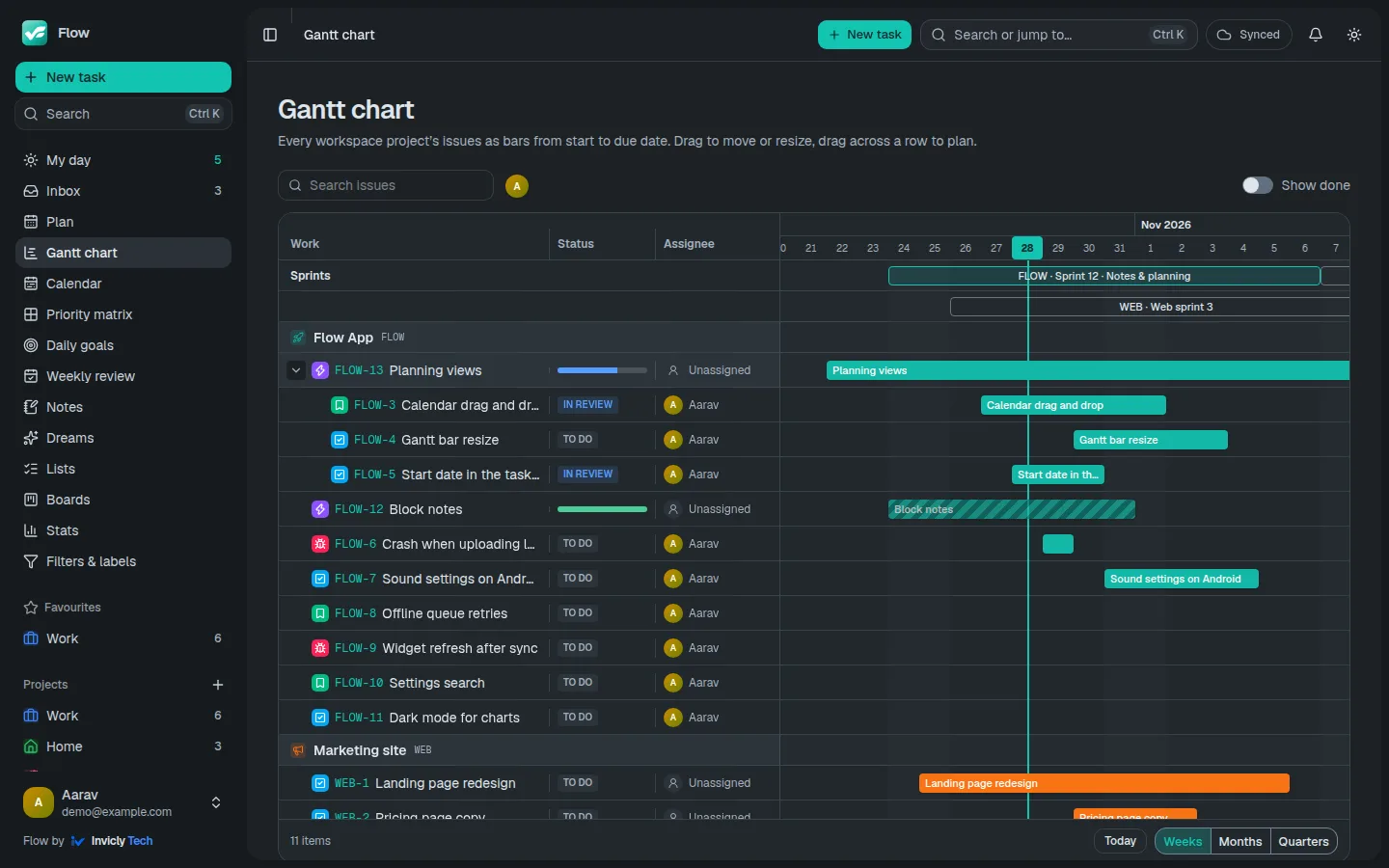
New: Gantt chart
Every issue becomes a bar from its start to its due date, in its project’s colour, with your sprints across the top. Epics open to show their issues, with a progress bar for what’s done. Drag a bar to move it, drag its ends to change the dates, or drag across an empty row to plan an issue. Zoom from weeks to quarters.
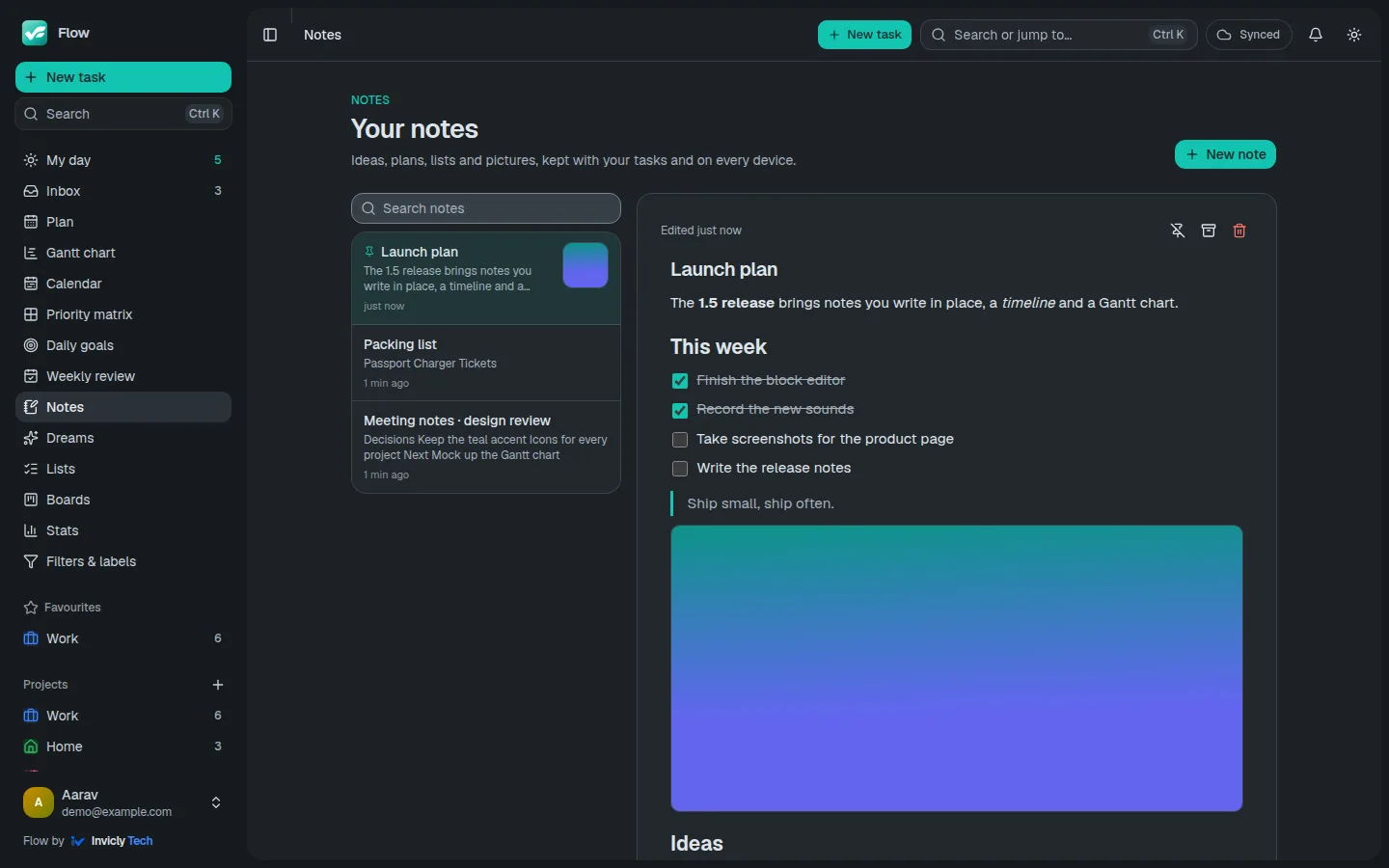
New: Block notes
Headings, lists, to-dos, quotes, code and pictures, all formatted as you type. Press “/” for the block menu, select text for the format bar, or type Markdown like “# ” and “[] ”. Paste or drop a screenshot and it lands right where you are.
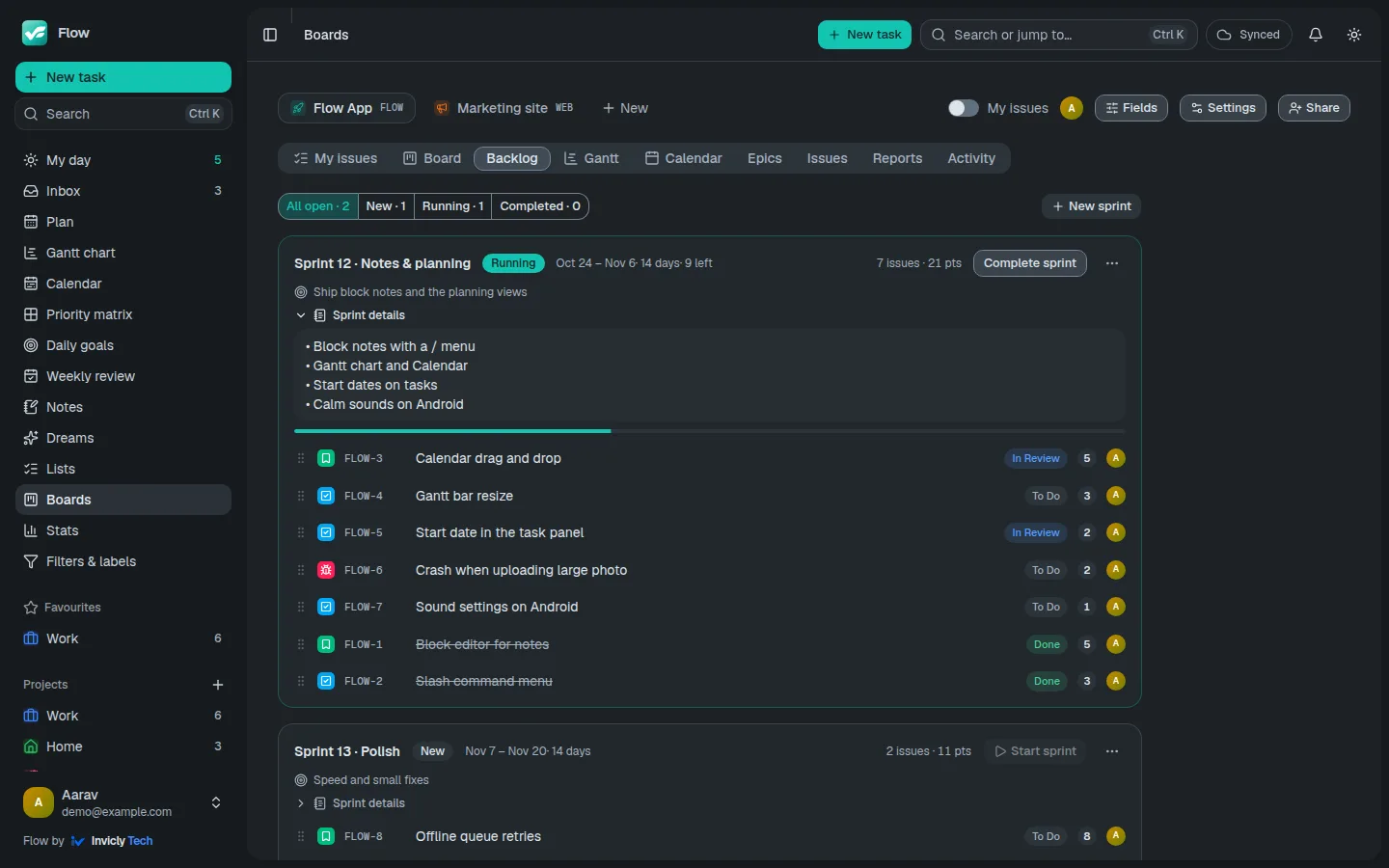
Sprints
Create a sprint with its own name and dates, a one-line goal and the details of what it includes. See new, running and completed sprints at a glance. When a sprint ends, anything unfinished goes back to the backlog by itself, ready for the next one.
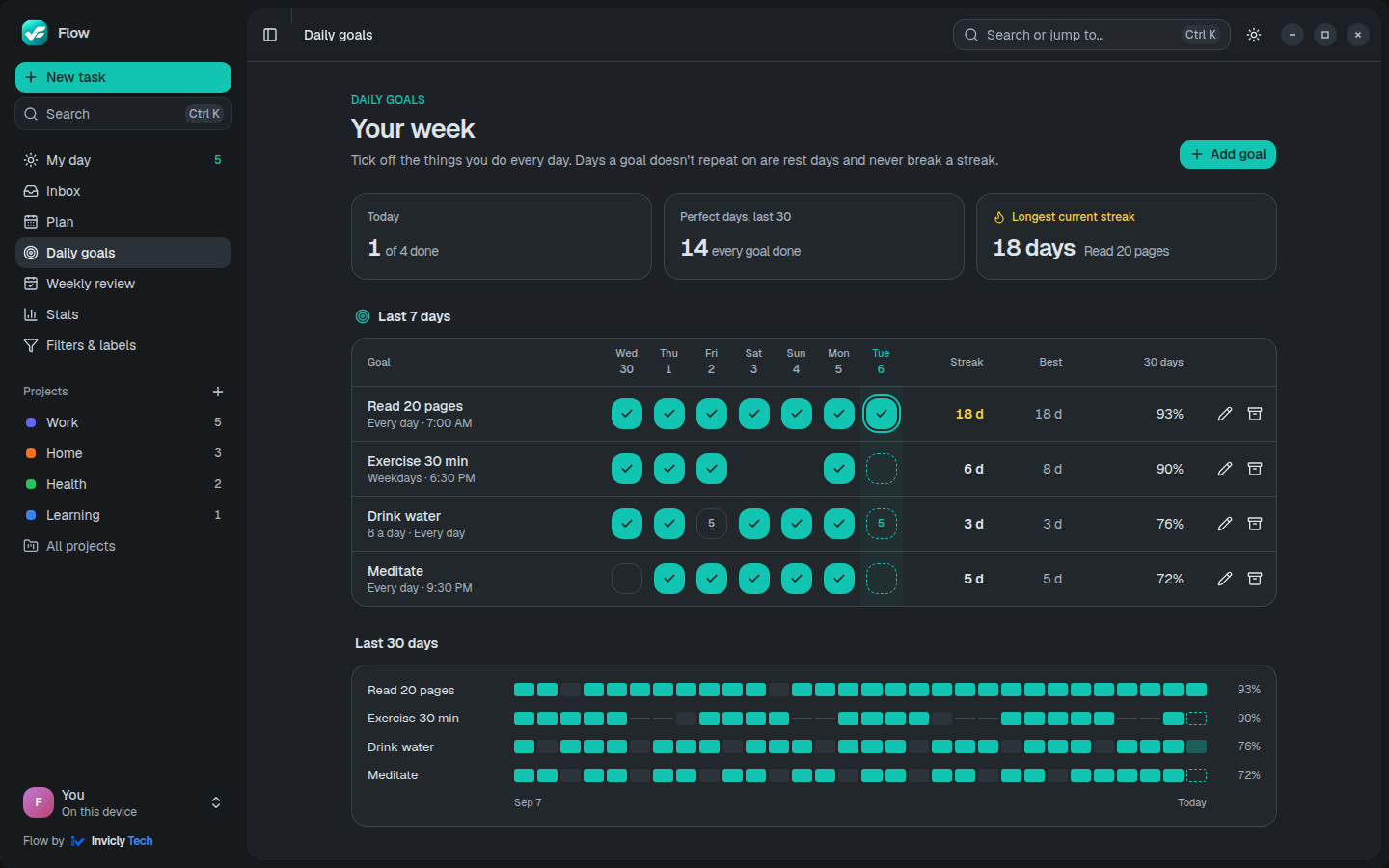
Daily goals
Daily goals are the things you want to do every day: read 20 pages, exercise, drink 8 glasses of water. Tick them off on My day with one tap, or count them up. Flow keeps the streak and the history for you.
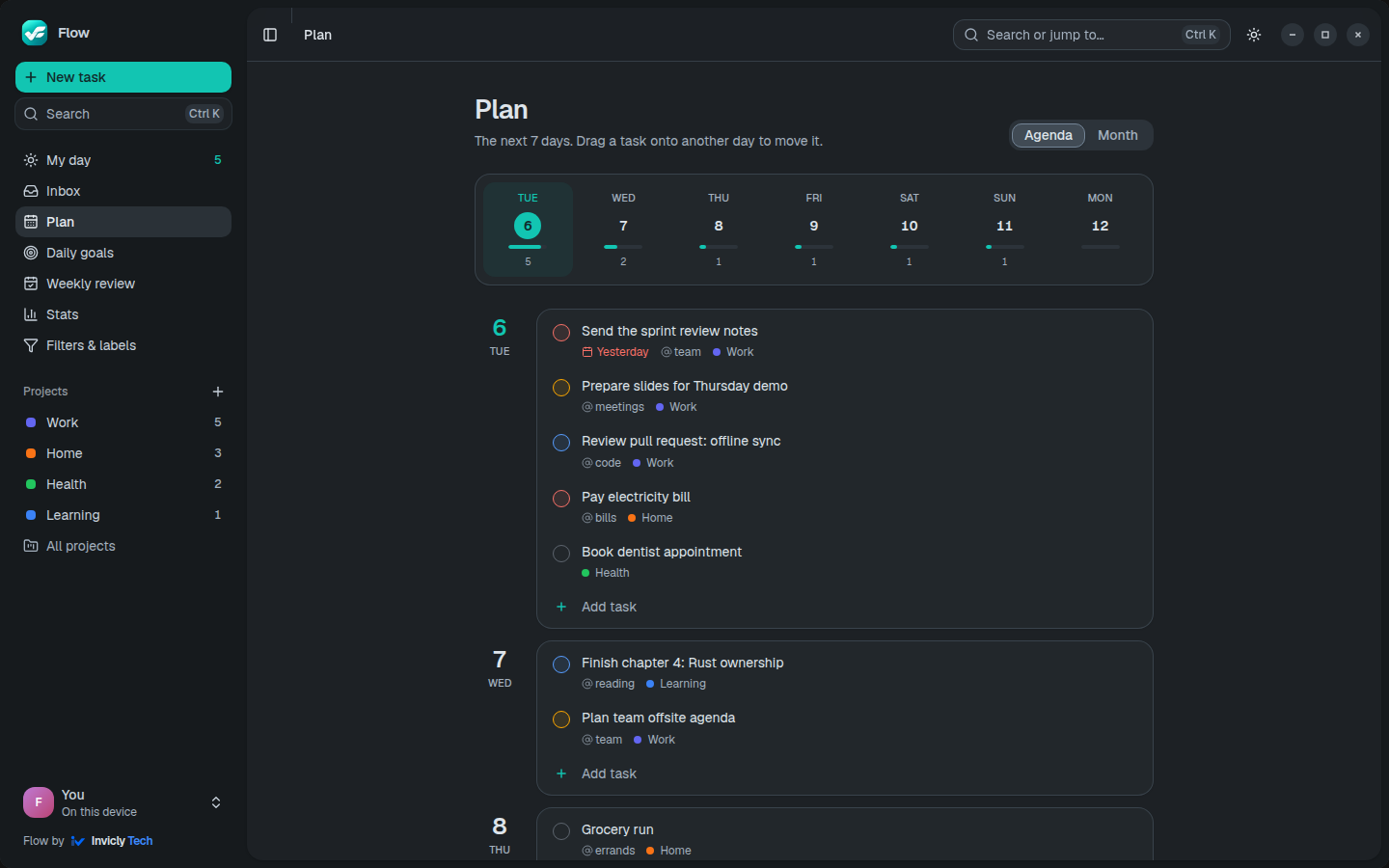
Plan
Plan shows the next seven days with a workload bar per day, so an overloaded Thursday stands out before it arrives. Drag a task onto another day to move it, or switch to the month calendar.
Take the tour
Real screens from the app. Click any of them to see it full size.
And everything else
The parts of a todo app you use every day, done well, and nothing that slows you down.
Overdue work on top, then your daily goals and today’s tasks, with a progress ring for the day.
Colours, sections, favourites and templates. Type @Name in any task to file it.
Save views like “p1 & overdue” or “@work 7 days”, and colour your labels.
Every Sunday: what got done, what slipped (reschedule it in one tap), how your goals went, and next week’s load.
Save a task with its sub-tasks — monthly bills, trip packing — and add it again from the composer in one tap.
15, 25 or 50 minutes on one task, then a gentle nudge to mark it done. No time tracking, ever.
Instant actions, a command palette, and a keyboard shortcut for everything.
Light, dark or system, eight accent colours and a compact density.
Android, Linux and Windows keep a copy on the device. Changes made offline sync when you’re back.
Three habits, one app.
Press Q anywhere and type. Dates, priorities, projects and labels are picked up as you write.
My day shows what matters now. Plan shows the week, so nothing piles up on one day.
Tick things off, watch your daily goal fill up, and move anything overdue to today in one click.
Team projects
When your work needs a team, create a workspace. Issue keys, boards, sprints and reports are built in, and each project uses only what it needs. No timesheets, ever.
One account, every device
Sign in once and the same tasks, projects and daily goals are on all of them, updated live. Or use Flow without an account and keep everything on one device.
Any modern browser. Install it from the address bar for its own window.
Open FlowIn Ubuntu’s App Center, or as .deb and .rpm. Tray icon with today’s count and Ctrl+Alt+A Quick Add from any app.
Get itNative app with Today and Daily goals widgets, share-to-Flow, and reminders that fire even offline.
Download APKWindows 10 and 11 with a tray icon, Ctrl+Alt+A Quick Add and offline work. Preview build.
DownloadA native macOS app with a menu bar icon, Quick Add and offline work.
Coming soonFlow on the App Store, with widgets and reminders. Android on Google Play too.
Coming soonLive sync: a change on your phone shows up on the desktop within seconds.
Offline first on Android and desktop: nothing waits for the network.
Reminders for tasks and daily goals, on the device and by push.
Every common action is one key away.
Create an account in seconds. Your tasks follow you to every device.
Get started free